
Whisper Notes vs Otter.ai: Local vs Cloud Transcription Compared
A detailed comparison of features, accuracy, cost, and architecture. Which approach fits your workflow?

The transcription market has settled into a familiar pattern: cloud services that charge monthly fees to process your audio on their servers. Otter.ai is the best-known example, and it is useful for teams. We built Whisper Notes as a local alternative: pay once, process locally using OpenAI's Whisper model, own your data. This is not universally better; it is a different set of trade-offs for different priorities.
The 5-Year Cost Calculation
Transcription is a tool most people keep for years rather than months, so the honest comparison is not the sticker price but what each choice costs by the time you stop using it.
| Service | Annual | 5-Year Total | If You Stop Paying |
|---|---|---|---|
| Otter Pro | $99.99/year | $500 | Access ends with the subscription |
| Otter Business | $240/year | $1,200 | Access ends with the subscription |
| Whisper Notes | $0/year | $14 | The app keeps working |
The subscription model makes sense for Otter, which operates servers that process your audio, store your transcripts, and maintain collaboration infrastructure. Those costs are real and recurring, which is why the price recurs too. Once you download Whisper Notes, the AI runs entirely on your device. We have no servers processing your audio, no cloud storage to maintain, no ongoing infrastructure costs. Charging recurring fees for software that doesn't require recurring infrastructure felt incorrect.
The question isn't "which is cheaper"—it's whether you're paying for cloud services you actually need.
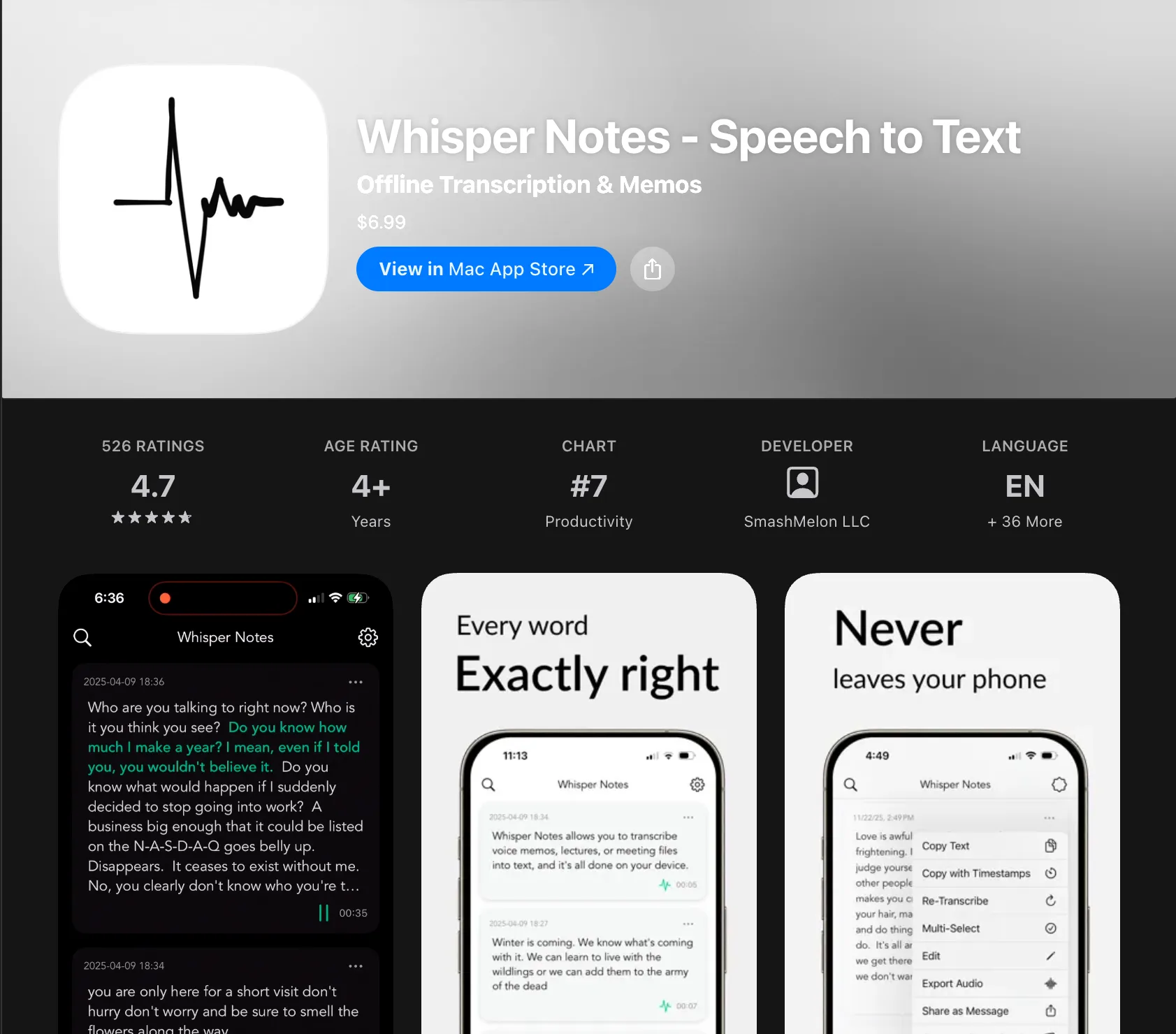
Where does the audio actually go?
The price difference follows from an architectural one, and the architecture is the part worth understanding first because it decides everything else.
Otter.ai's architecture: Your audio travels to Otter's servers → Their GPUs process it → Transcripts are stored in their cloud → You access via web/app.
Whisper Notes' architecture: Audio stays on your device → Your device's Neural Engine runs the Whisper model locally → Transcripts stay on your device → Nothing is uploaded.
This distinction matters because of what it implies about data exposure. With cloud transcription, your voice data exists on servers you don't control. Those servers can be breached, subpoenaed or read by an employee, and cloud services do face security incidents regularly enough that this is a planning assumption rather than a worry.
With offline transcription, the app makes no network transmission of your audio — transcription runs entirely on your hardware. There's no server to breach, no database to subpoena, no employee access to audit.
For most personal use the distinction is academic. For work under a confidentiality duty it is the whole question, because it decides what you can promise the person on the recording.

For Lawyers, Doctors, and Journalists
Three groups tend to arrive at this page having already ruled out cloud transcription, and for different reasons:
Legal professionals: Attorney-client privilege requires controlling where privileged communications exist. Uploading client recordings to third-party servers creates discovery exposure and potential privilege waiver issues. Processing on the device means privileged audio never leaves it, so there is nothing at a vendor to be discovered.
Healthcare providers: HIPAA compliance with cloud services requires Business Associate Agreements, security audits, and ongoing vendor management. With local processing there is no transcription vendor to sign a BAA with; whether the whole workflow meets HIPAA still depends on how the device is secured.
Journalists: Source protection depends on minimizing the number of systems that contain source identities. Every cloud upload creates another potential exposure point. Offline transcription means source recordings exist only on hardware you physically control.
The pattern across these professions: cloud transcription introduces third-party risk that may conflict with professional obligations. Local transcription eliminates that category of risk.
We are not claiming Otter.ai is insecure; their Business plan offers enterprise security features. We're observing that for confidentiality-sensitive work, the simplest security architecture is one where sensitive data never leaves your possession.

When Otter.ai Is the Right Choice
Whisper Notes is not better for everyone, and there are workflows where Otter is clearly the right purchase:
Real-time team collaboration. If five people need to edit a transcript simultaneously during a meeting, Otter.ai's collaborative workspace is purpose-built for this. Whisper Notes is single-user by design, and that is not a gap we intend to close.
Live meeting integration. Otter.ai's bot joins Zoom and Google Meet calls, transcribes in real time and identifies speakers. Whisper Notes on Mac records the call from system audio without joining it, and transcribes it on the Mac.
Automated workflows. CRM integration, automatic action item extraction, meeting summaries sent to Slack, Otter.ai's cloud architecture is what enables these automations. Local tools can't participate in cloud workflows.
Web-based access. If you need transcripts accessible from any browser without installing software, cloud storage is the only architecture that supports this.
Speaker identification in live, large-group calls. Both apps now label who said what — Whisper Notes added on-device Speaker Labels across iPhone and Mac in 2026, with renameable speakers and labeled TXT/SRT/VTT exports. Otter's cloud diarization still holds an edge during live multi-party calls and in very large groups; Whisper Notes labels speakers after the recording ends, entirely on your device.
If your primary use case is team meetings with collaborative editing needs, Otter.ai is probably the better fit. The subscription is what pays for the infrastructure those features run on.
Still comparing? Our survey of the best offline transcription apps for Mac and iPhone covers the local options, including MacWhisper and Buzz, and when Otter or Notta is the better fit for meetings.
When Whisper Notes Is the Right Choice
Whisper Notes makes sense for different priorities:
Three speech models, not one. Whisper Notes ships Whisper (Large V3 Turbo on Mac, Small on iPhone; 100+ languages), Parakeet V3 (fastest English, 6.32% WER), and SenseVoice (Chinese, Japanese, Korean and Cantonese at about 52× realtime — the engine you select for CJK audio). Otter.ai uses a proprietary model with limited language support.
| Model | Speed | Best For |
|---|---|---|
| Whisper Large V3 Turbo | 10–15× realtime | 100+ languages |
| Parakeet V3 | ~60× realtime | English (lowest WER) |
| SenseVoice | ~52× realtime | CJK + Cantonese |
Local AI in the Mac app from our website. Turn on AI features and the local Gemma model summarizes a transcript, lists action items and answers questions about it. All processing happens on your Mac, and your data never leaves the device.
Confidentiality by architecture. When professional obligations or personal preference require that audio never touch third-party servers, local transcription is the only architecture that provides this.
Unlimited transcription. Otter.ai's plans cap monthly minutes (300-6000 depending on tier). With local processing, there are no limits: transcribe 100 hours if your storage holds it.
Predictable costs. $14 once means no subscription tracking, no "your plan renewed" surprises, no calculating whether you're getting value from monthly fees.
True offline capability. Flights, secure facilities, areas with poor connectivity, or simply preferring to work disconnected, Whisper Notes works without internet because the AI model runs on your device.
Long-form transcription. Otter.ai limits imports to 90 minutes per file. Whisper Notes handles multi-hour recordings without file size restrictions.
If you primarily transcribe your own recordings and value speech model choice, privacy, or cost predictability, local transcription is likely the better fit.

On iPhone: Offline Recording That Actually Works Offline
Both Otter.ai and Whisper Notes have iOS apps. The difference is what happens when you're not connected.
Otter.ai's iOS app can record audio offline, but transcription requires uploading to their servers. No internet means no text, and you are left with audio files waiting in a queue. This matters in subways, airplanes, secure facilities, or anywhere with unreliable connectivity.
Whisper Notes processes everything on your iPhone's Neural Engine. Record a voice memo on a flight, get the transcript before you land. No upload queue. No waiting for server availability. The AI model lives on your device.
Lock Screen Widget. One tap to start recording. Capture thoughts the moment they occur, before you forget them.
Live Activities. See recording duration on your Lock Screen and Dynamic Island. Know exactly how long you've been recording without opening the app.
Processing Speed. On an iPhone 15, Parakeet V3 turns five minutes of audio into text in about 18 seconds — the figure on our App Store listing, roughly 17× realtime. A 10-minute recording is done in about 35 seconds. Older iPhones are slower but functional.
The trade-off: Otter.ai's iOS app offers real-time transcription during calls and meetings, which requires their cloud infrastructure. Whisper Notes processes after recording completes. If you need live captions during a conversation, Otter.ai's architecture enables that. If you need transcription that works without connectivity, only local processing provides it.

Why is one a subscription and the other not?
Otter's subscription is the correct pricing for what Otter is. They operate servers that cost money every month. They employ engineers to maintain cloud infrastructure. They provide ongoing services like real-time collaboration that require persistent systems. Subscriptions fund operations.
Our architecture is different. After you download Whisper Notes, we have no ongoing costs associated with your usage. The AI model runs on your device's Neural Engine. Your transcripts stay on your device. We don't operate servers that process your audio.
Charging $10/month for software that doesn't require monthly infrastructure felt like extracting value we weren't providing. So we charge once.
The trade-off: we earn less per user than subscription competitors. The benefit: users who value straightforward economics find us and stay. The App Store rating is 4.7 across 594 ratings and reviews.
Making the Choice
Neither app is better in general. They are built on different architectures, and the architecture is what should decide it.
If you need team collaboration, meeting integrations, and web access, Otter.ai's cloud architecture is designed for exactly these use cases. The subscription cost funds the infrastructure that enables them.
If you need confidentiality, unlimited transcription, and predictable costs, Whisper Notes' local architecture eliminates the categories of concern that cloud processing introduces.
Many professionals use both: Otter.ai for team meetings where collaboration matters, Whisper Notes for sensitive recordings where privacy matters. At $14, adding Whisper Notes to your toolkit costs less than two months of Otter Pro.

Frequently Asked Questions
Why is Whisper Notes so much cheaper than Otter.ai?
Different architectures have different costs. Otter.ai operates cloud servers that process your audio, which is real infrastructure with real ongoing costs. Whisper Notes runs entirely on your device using Apple's Neural Engine. We have no servers to maintain, so we don't need to charge ongoing fees. The price reflects our costs, not a discount strategy.
Is Whisper Notes as accurate as Otter.ai?
Whisper Notes offers three speech models in every version. Parakeet V3 achieves 6.32% word error rate on the Open ASR Leaderboard — competitive with cloud services. For Chinese, Japanese, and Korean, SenseVoice is purpose-built for these languages and runs at about 52× realtime; you select it as the engine when your audio is CJK. Otter.ai's cloud speaker ID is still stronger for large multi-party meetings; Whisper Notes now labels speakers on-device and has broader language support and model choice.
Which speech models does Whisper Notes support?
Three in every version: Whisper Large V3 Turbo (100+ languages, Mac) / Whisper Small (iPhone), Parakeet V3 by NVIDIA (fastest English, lowest error rate), and SenseVoice (Chinese, Japanese, Korean, Cantonese — about 52× realtime, the engine you select for CJK audio). All run locally on your device — no cloud, no API calls. The Mac app from our website also has a fourth, Qwen3-ASR 1.7B (Beta), covering 30 languages.
Is Whisper Notes better than Otter.ai for Korean transcription?
For private Korean transcription, Whisper Notes is often a better fit because SenseVoice is optimized for Chinese, Japanese, Korean, and Cantonese and runs locally on device — you pick it as the engine in settings. Otter.ai is stronger for live collaborative meeting workflows, but it is cloud-based and has more limited non-English meeting transcription positioning.
Can an AI note taker store transcripts locally instead of on vendor servers?
Yes. Whisper Notes stores recordings and transcripts on your device and runs transcription locally. That means sensitive notes do not need to be uploaded to a vendor server before they become searchable text.
Can Whisper Notes work offline and sync data later?
Whisper Notes works offline, but it does not automatically sync transcripts through our servers. This is intentional: no sync server means fewer places where sensitive voice data can exist. You can export, AirDrop, or manually move transcripts when you want to share them.
Can Whisper Notes replace Otter.ai for team meetings?
Probably not. Otter.ai's collaborative editing, meeting bot integration, and shared workspaces are purpose-built for team workflows. Whisper Notes is designed for individual use. If your primary need is team collaboration during meetings, Otter.ai is the better architecture for that use case.
Is my data really private with Whisper Notes?
Yes, architecturally. Whisper Notes processes audio using on-device machine learning. The app makes no network transmission of your audio during transcription — zero network requests, which we verified with network monitoring tools — and we operate no transcription servers for it to reach.
Can I use both Otter.ai and Whisper Notes?
Many users do exactly this. Otter.ai for team meetings where collaboration features matter. Whisper Notes for personal recordings, sensitive content, or situations requiring offline access. At $14, Whisper Notes costs less than two months of Otter Pro, so adding it alongside is inexpensive.
Does Otter.ai work offline?
No. Otter.ai's mobile app can record audio without internet, but transcription only happens after the audio uploads to Otter's servers. Offline, you get an upload queue rather than text. Whisper Notes transcribes entirely on-device, so both recording and transcription work with no connection: on flights, in subways, or inside secure facilities.
How does Parakeet compare to Otter.ai — and why do some users still choose Otter?
Parakeet V3 is NVIDIA's open speech model that Whisper Notes runs on-device: 6.32% word error rate on the Open ASR Leaderboard, and roughly 60× realtime on Apple Silicon in our own measurements, with no subscription and no audio upload. Otter.ai uses its own proprietary cloud model. The honest trade-off: users still choose Otter when they need live meeting bots and shared team workspaces, both of which require cloud infrastructure. Users choose Parakeet-based local apps when they want offline, unlimited, private transcription at a lower long-run cost.
How much does Whisper transcription cost per minute?
Running Whisper locally in Whisper Notes costs nothing per minute, because the app is a $7.99 one-time purchase on iPhone (on Mac, 5,000 words a week free then $14 one-time), and every minute after that is free. For comparison, OpenAI's hosted Whisper API charges developers $0.006 per minute, which adds up at scale, and cloud transcription services like Otter.ai charge subscriptions with monthly minute caps. On-device processing has no per-minute cost because your own hardware does the work.
Does Otter.ai use Whisper?
No. Otter.ai uses its own proprietary cloud speech models and does not run OpenAI's Whisper. If you specifically want Whisper's accuracy and 100+ language coverage, you need a tool that runs the actual model: Whisper Notes runs Whisper (Large V3 Turbo on Mac, Small on iPhone) and Parakeet V3 directly on your device.
Try Local Transcription
$7.99 once on iPhone. Free trial on Mac, then $14 once. No subscriptions. No cloud uploads. No monthly limits.
 Download Whisper Notes